Appwrite
Appwrite is Backend as a Service Platform, used for Low Code and No Code . Appwrite is an open-source, self-hosted backend platform that provides integrated APIs for authentication, database, storage, functions, and more, empowering developers to build applications quickly.
Prepare
When referring to this document to use Appwrite, please read and ensure the following points:
-
Login to Websoft9 Console and find or install Appwrite:
- Go to My Apps listing applications
- Go to App Store installing target application
-
This application is installed by Websoft9 console.
-
The purpose of this application complies with the bsd3Clause open source license agreement.
-
Configure the domain name or server security group opens external network ports for application access.
Getting started
Initial setup
-
When completed installation of Appwrite at Websoft9 Console, get the applicaiton's Overview and Access information from My Apps
-
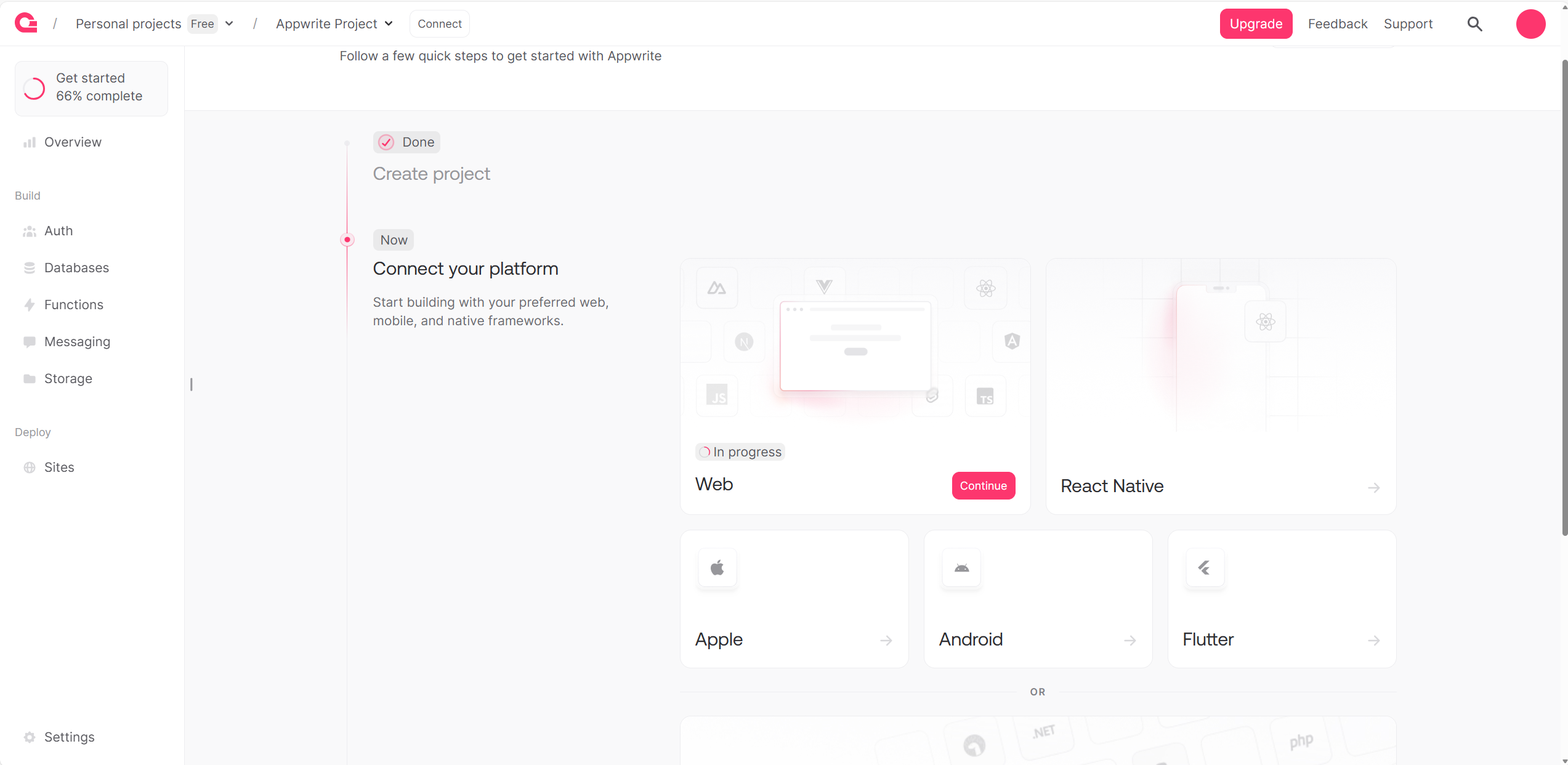
Complete the install wizard step by step
Login verification
-
Completed installation Appwrite at Websoft9 console, get the applicaiton's overview and access credentials from My Apps
-
Starting to verify it
Configuration options
- CLI
- Multilingual (√)
- SMTP (√)
Administer
- Password recover
- Change URL
- HTTPS
- Online backup
- Online upgrade